Connectors
Send companies from Frontrun into the tools where your pipeline lives. Connectors are in Settings, under the Export section.
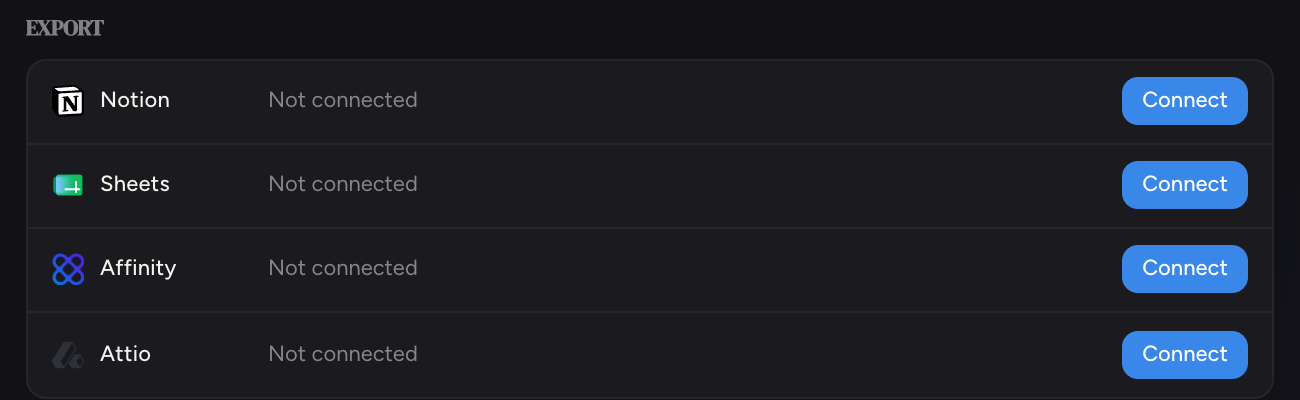
Every connected tool gets the same three controls on its row: an Auto toggle (push each morning's new companies automatically), a ↑ push button (send the latest report right now), and disconnect.
 Notion
Click Connect next to Notion
You are sent to Notion's consent screen. Sign in and authorize Frontrun.
Frontrun creates the database
A Frontrun Discoveries database is created in your Notion workspace. The row in Settings shows it by name, with a link to open it.
Choose your mode
Flip Auto on to fill the database with new discoveries each morning, or use ↑ whenever you want to push the latest report manually.
 Google Sheets
Same flow as Notion: click Connect, authorize with Google, and Frontrun creates a spreadsheet in your Google Drive. New discoveries append as rows: Auto for daily, ↑ for on demand.
 Affinity
Affinity connects with an API key instead of a login screen.
Get your API key from Affinity
In Affinity: Settings → API, copy your API key.
Click Connect next to Affinity and paste the key
The row turns into a key field. Paste and hit Save.
Pick a list
A dropdown appears with your Affinity lists. Pushes create organizations in the list you pick, so choose the one your sourcing pipeline lives in. Pushing is disabled until a list is selected.
 Attio
Attio
Same flow as Affinity: generate an access token in Attio (Workspace settings → Developers), click Connect, paste it, then pick the list records should land in.
What gets pushed
Each push sends the companies from your latest daily report, with their enrichment. Companies already in the target are skipped, never duplicated: after a push the row reports exactly what happened ("14 pushed · 3 already there").
Prefer your own pipeline?
The API returns everything as structured data, and webhooks can push new-follow events to any URL you control.