Daily Reports
Every morning, Frontrun compiles the last 24 hours of signal into one report: the companies that surfaced, what they do, and who followed them.
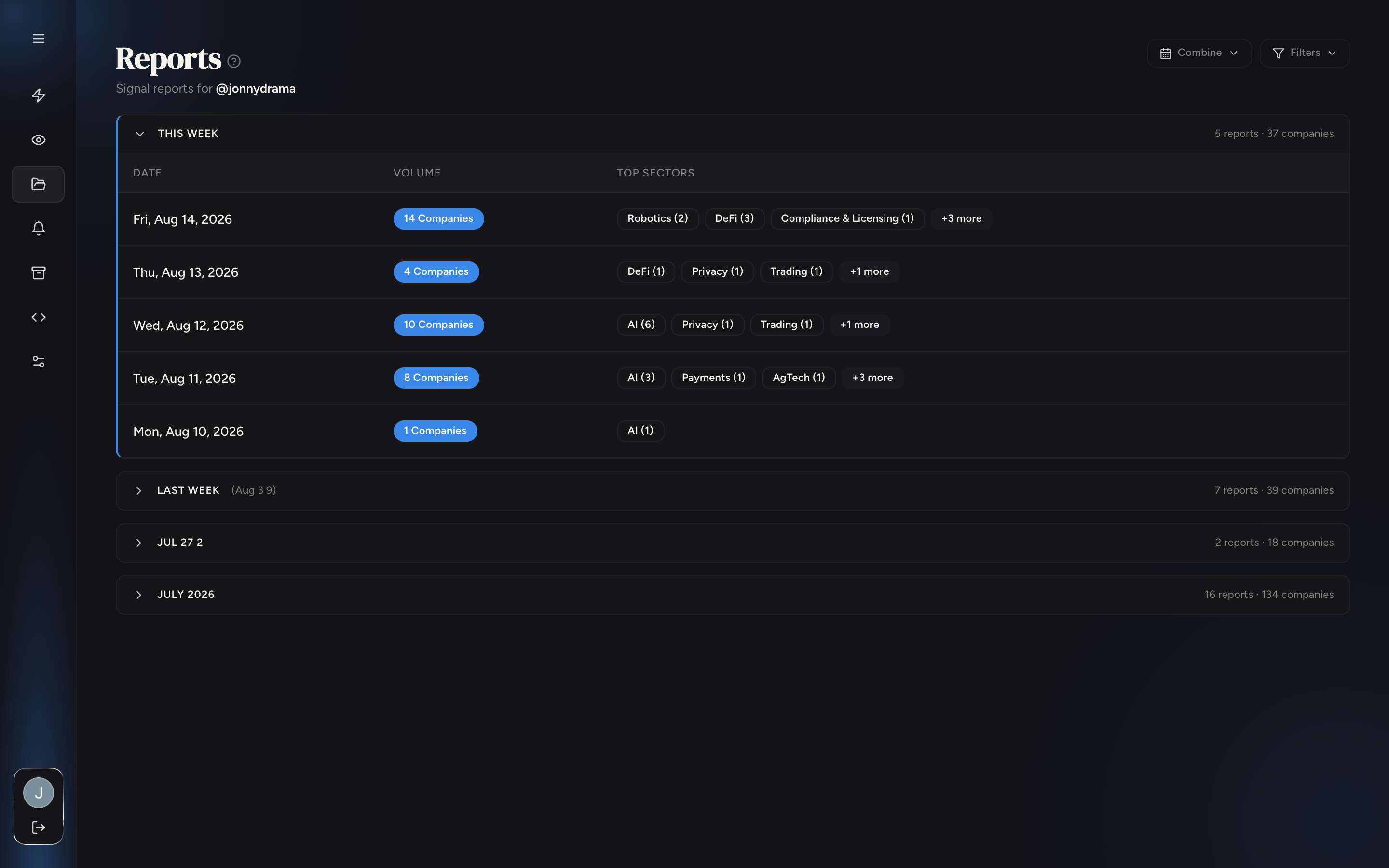
Reading the Reports tab
Reports are grouped by week, one row per day: how many companies surfaced and the top sectors that day. Click a day to open its report: one row per company with name, sector, follower count, who followed, and one-click Add to your Watchlist. Combine merges several days into one view; Filters narrows by sector.
Where it arrives
- In the app: the Reports tab, one report per day, browsable history.
- By email: the same report lands in your inbox each morning. Manage the destination address in Alerts & Delivery.
Export
Export CSV downloads the report as a spreadsheet: handles, sectors, follower counts, and who followed. Useful for pushing the day's names into your own pipeline tracker or CRM.